
🖥️
Best Gaming Monitors in the Philippines by Budget (2026)
· 5 min read
A good monitor changes how every game feels, and it usually outlasts the PC it is plugged into. Match it to your graphics card and the games you play, not just to the biggest number on the box.
Resolution, refresh rate and panel type
- Resolution: Full HD (1080p) suits 24-inch screens and mid-range graphics cards. QHD (1440p) is the best match for 27-inch screens. 4K needs a powerful graphics card for high frame rates.
- Refresh rate: 144Hz and higher makes motion visibly smoother than a 60Hz office screen; competitive players benefit from 180Hz and up.
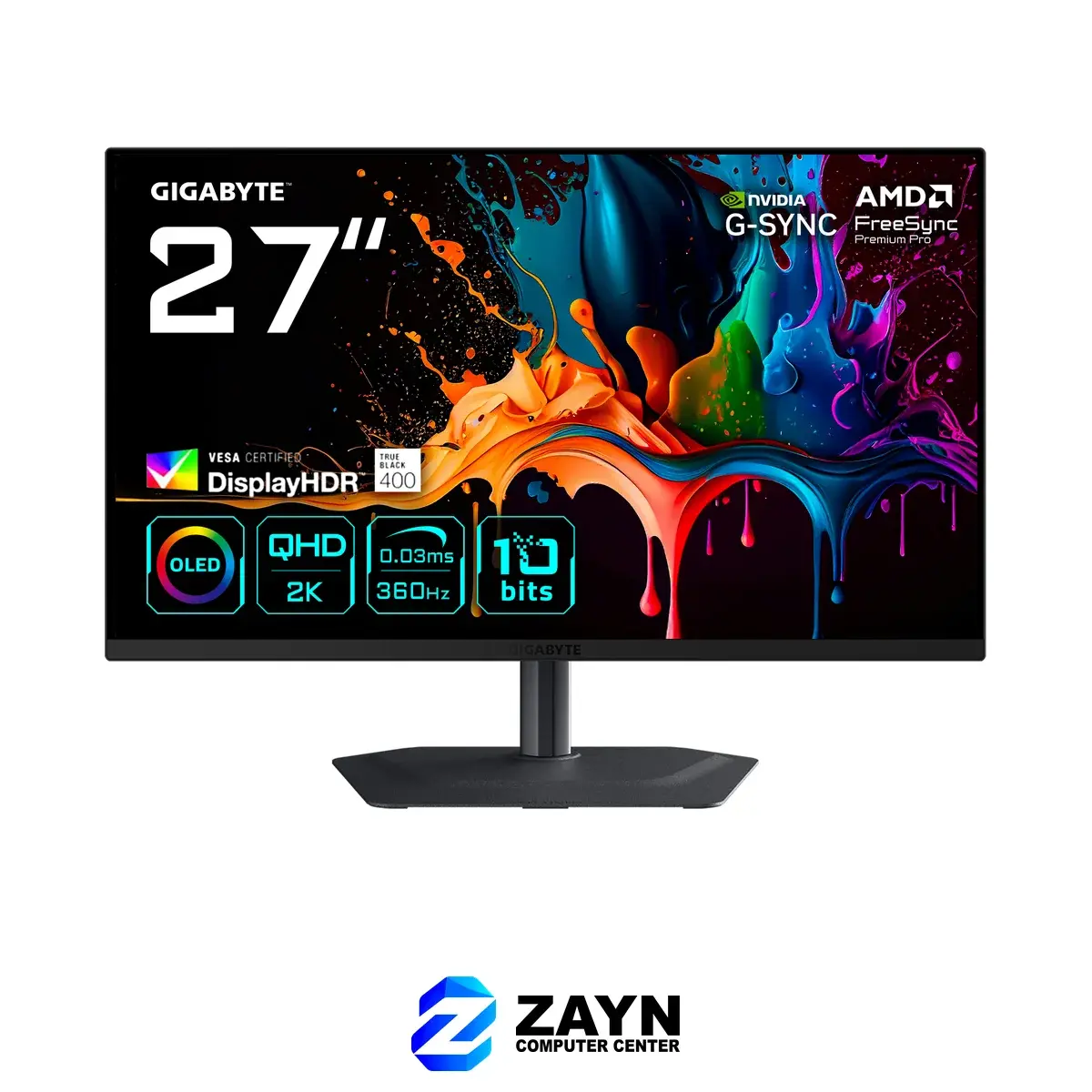
- IPS panels give accurate colours and wide viewing angles. VA panels have deeper contrast and are often curved. OLED gives perfect blacks and the fastest response, at a higher price.
- Your graphics card matters: a monitor can only show the frames your PC produces, so do not pair a 4K screen with an entry-level card.
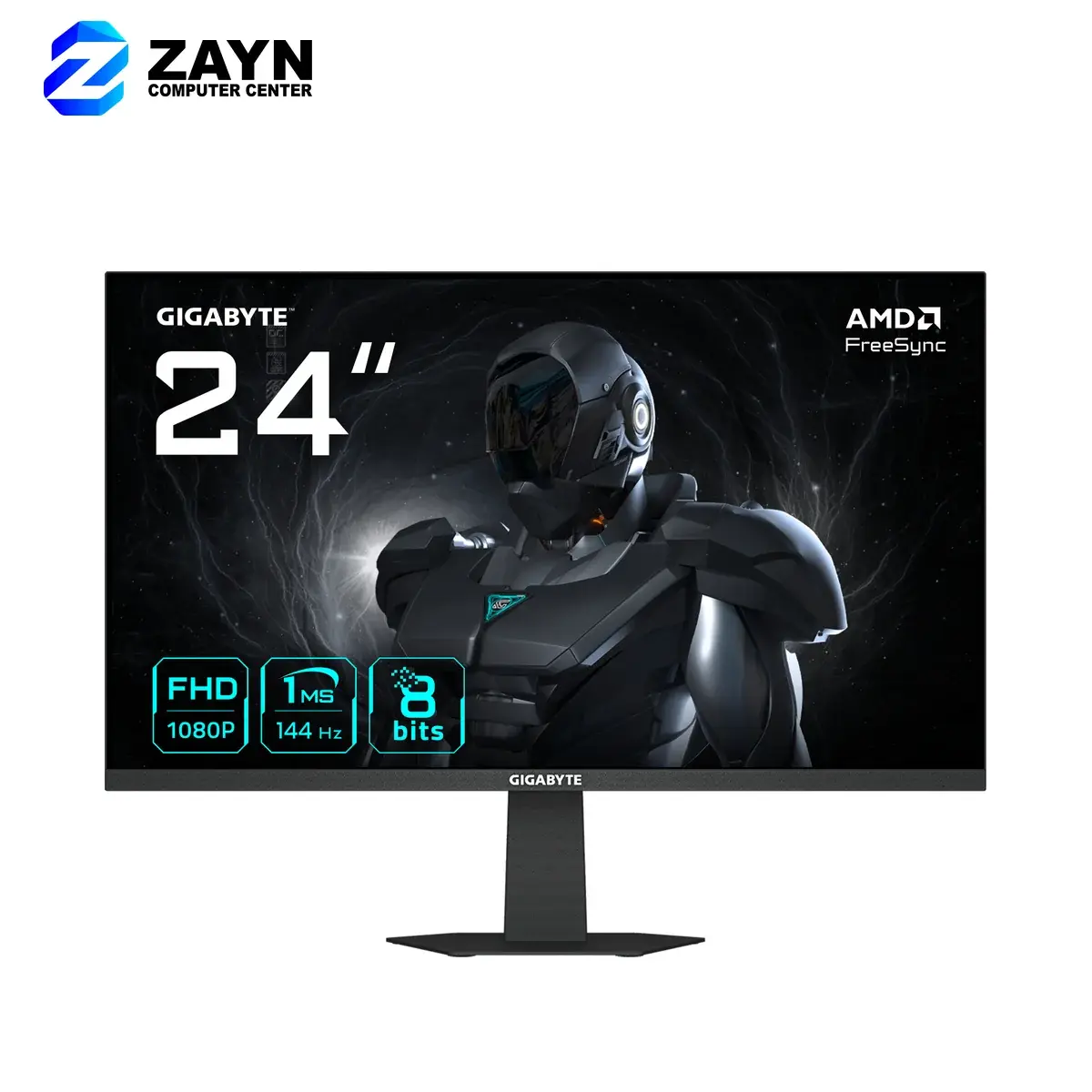
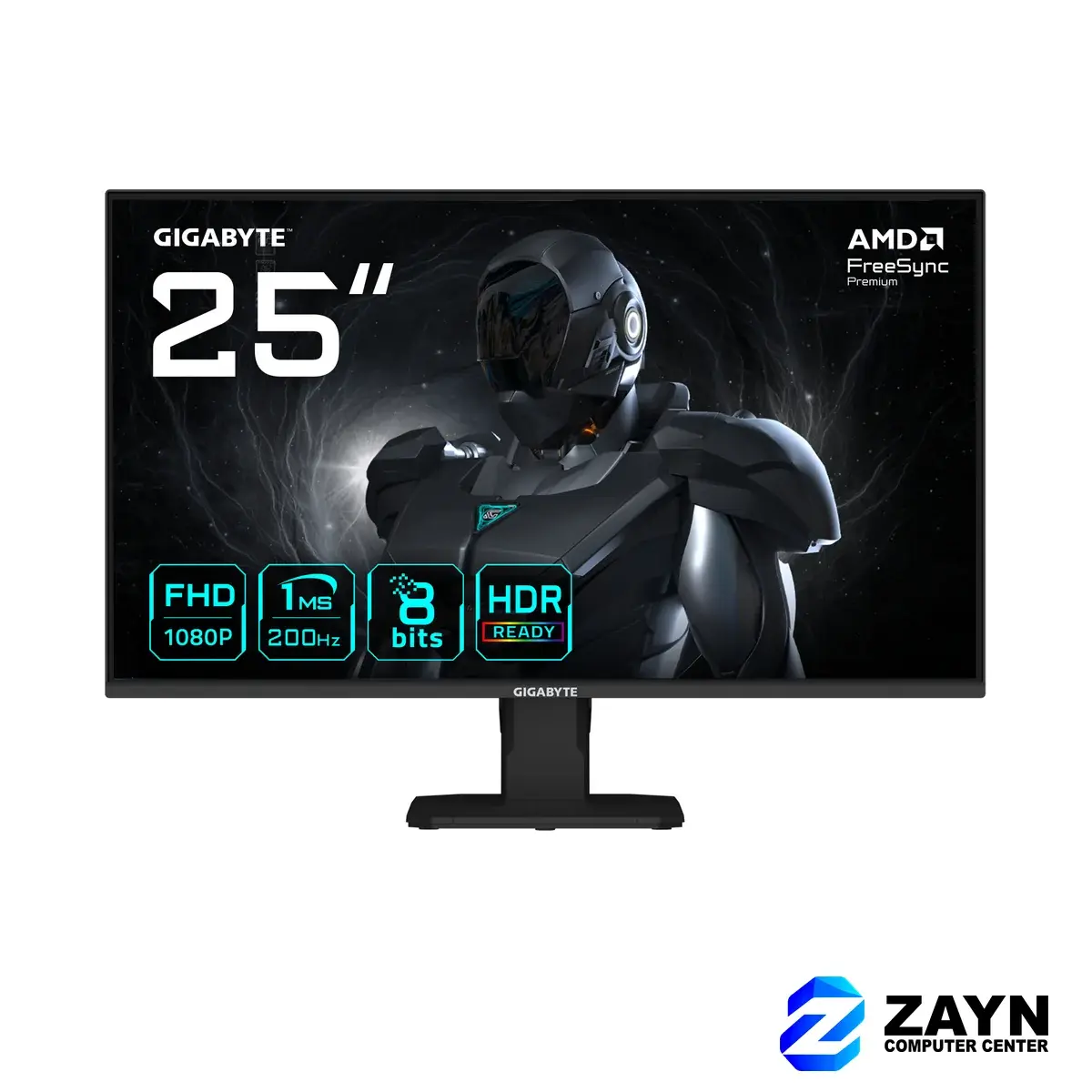
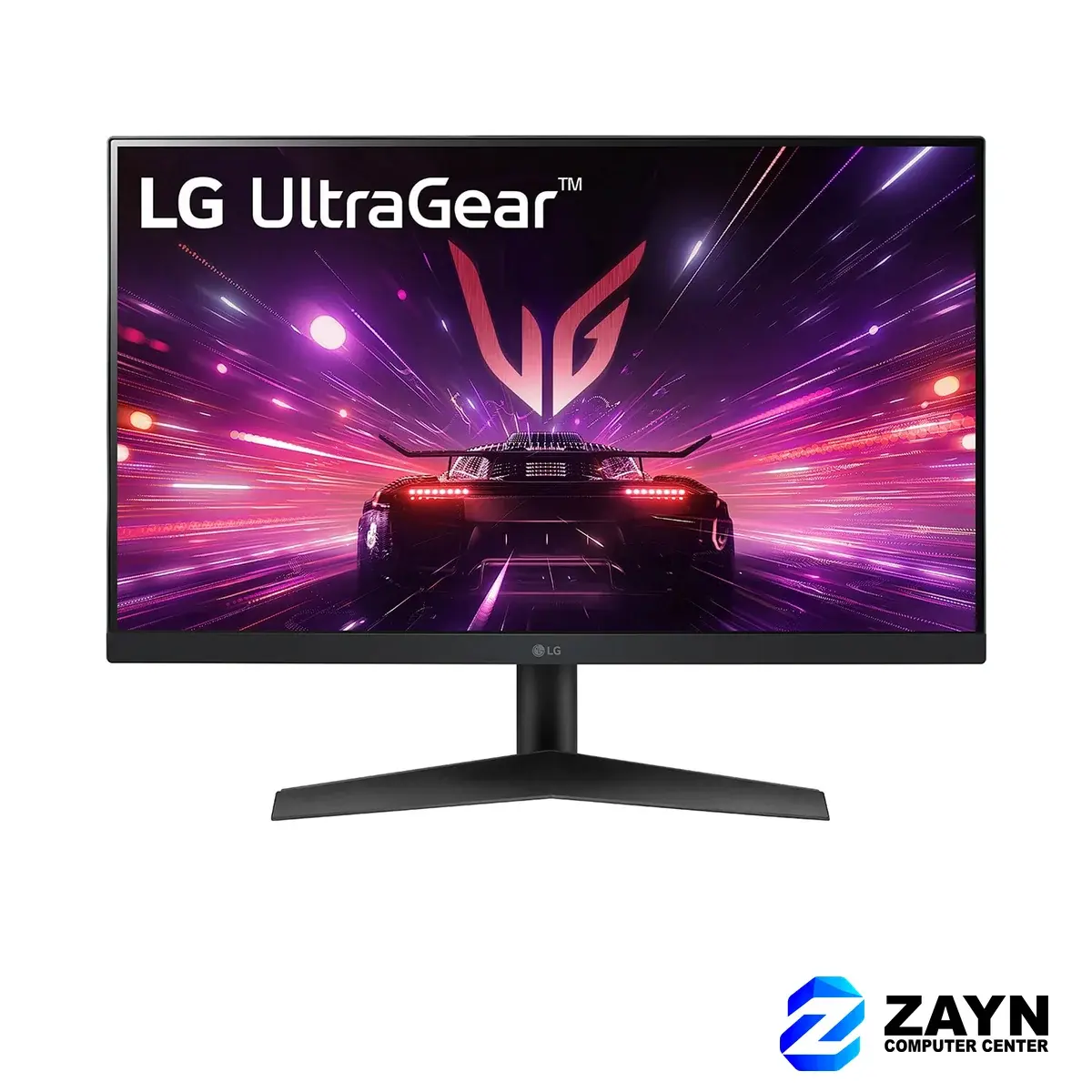
Under ₱10,000: 1080p for esports and everyday gaming
Ideal for Valorant, Dota 2, CS2 and Roblox on a budget build, and a big upgrade over an old office monitor.
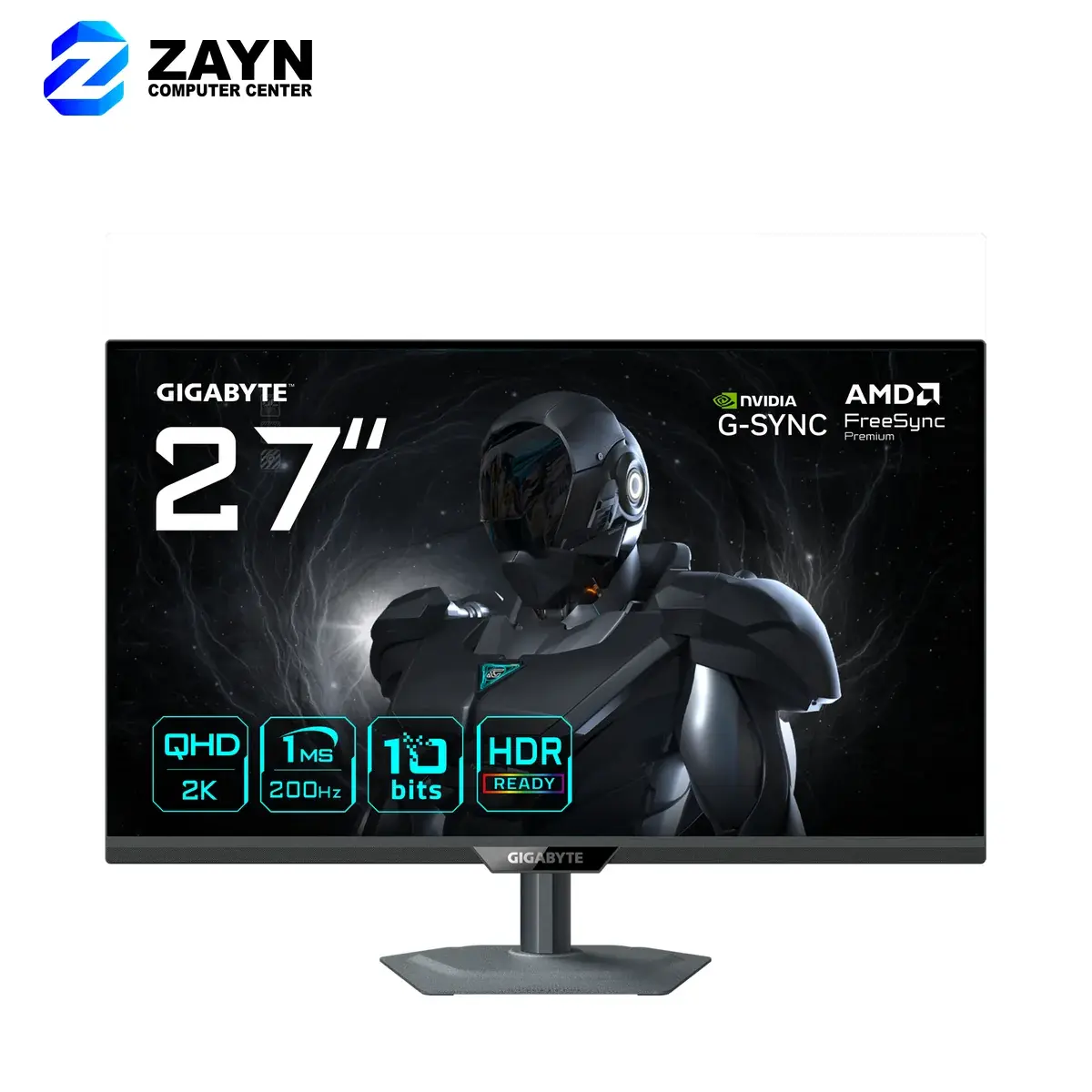
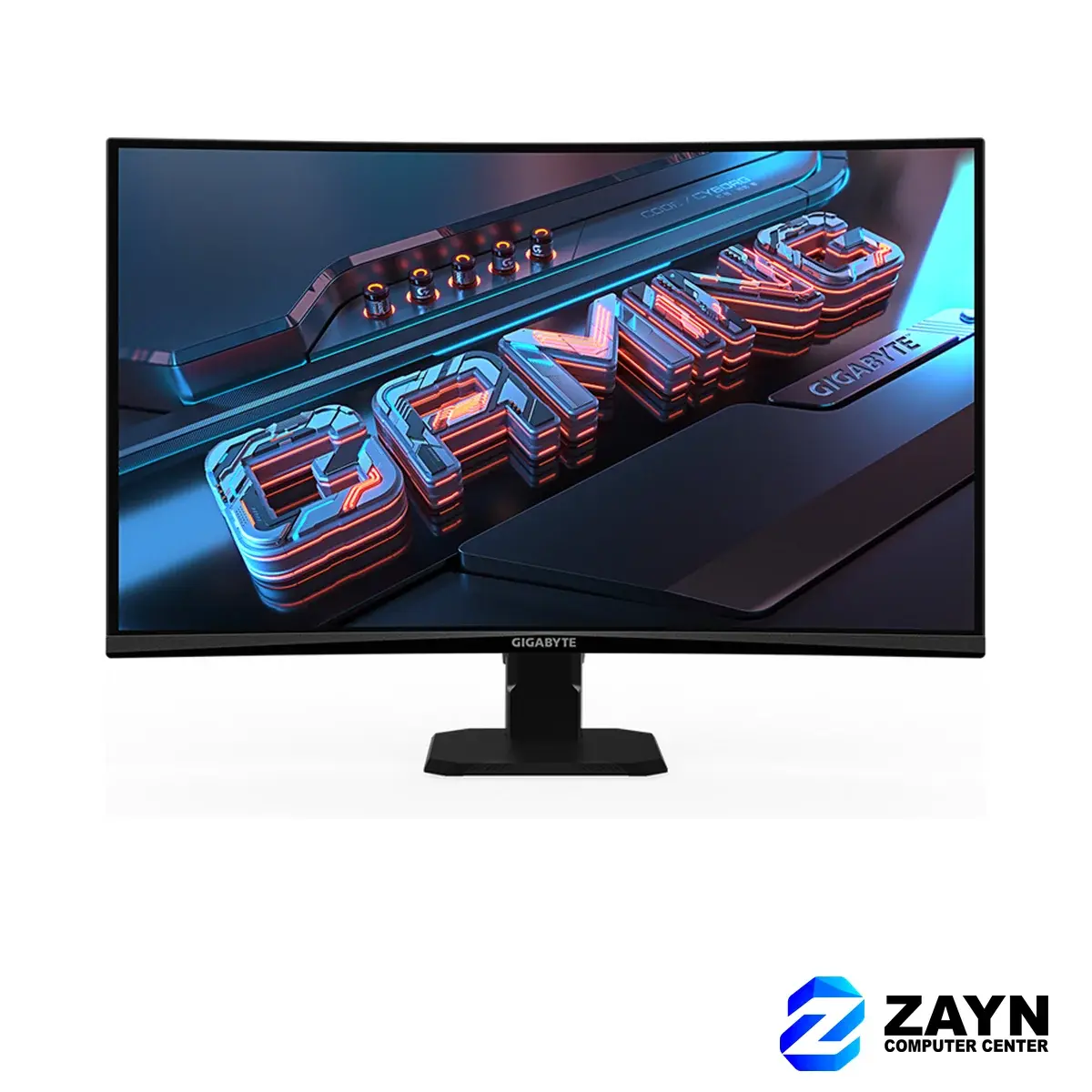
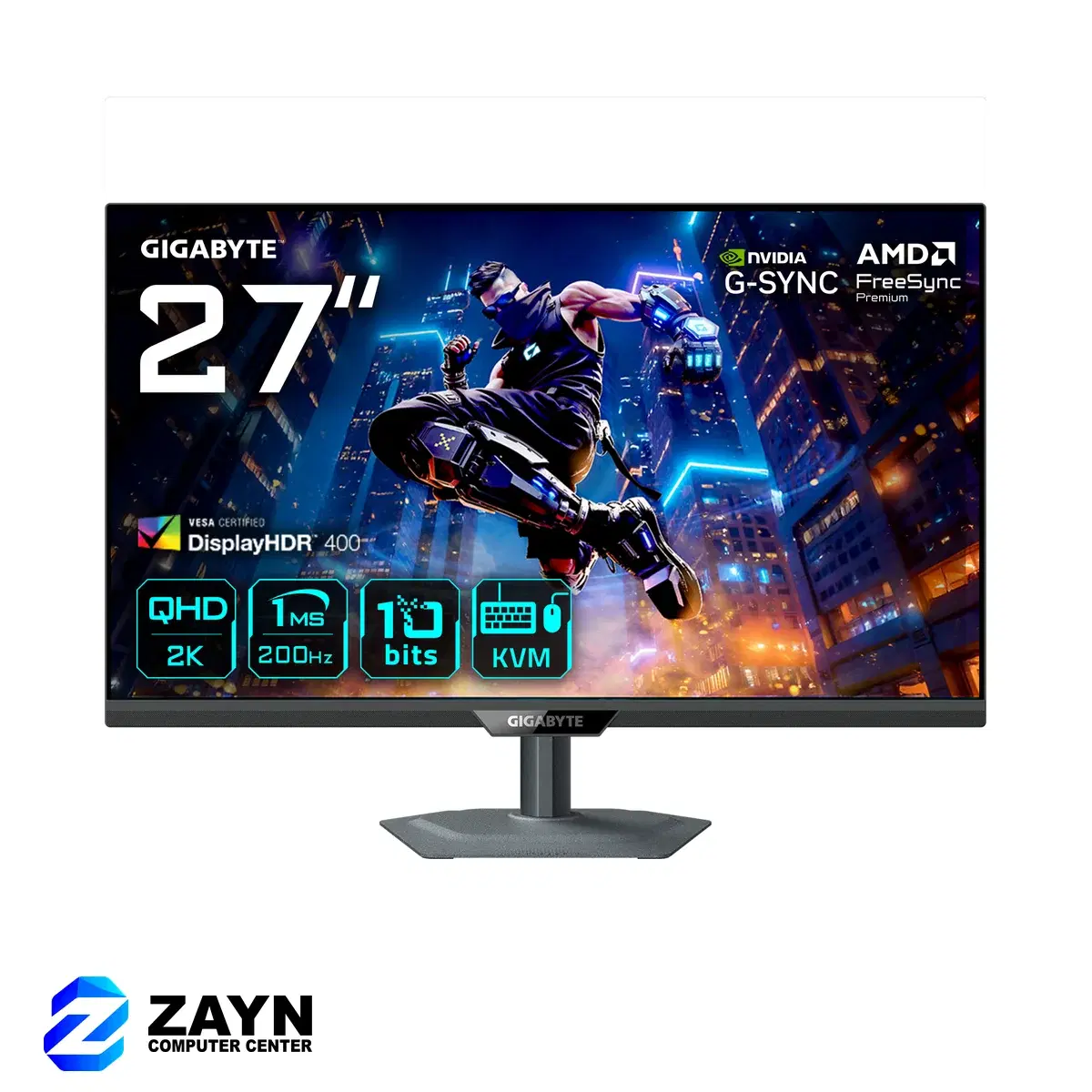
₱10,000–₱16,000: 1440p on a 27-inch screen
QHD at 27 inches is the sharpest step up for most gamers, and these models also make work and study more comfortable with the extra screen space.
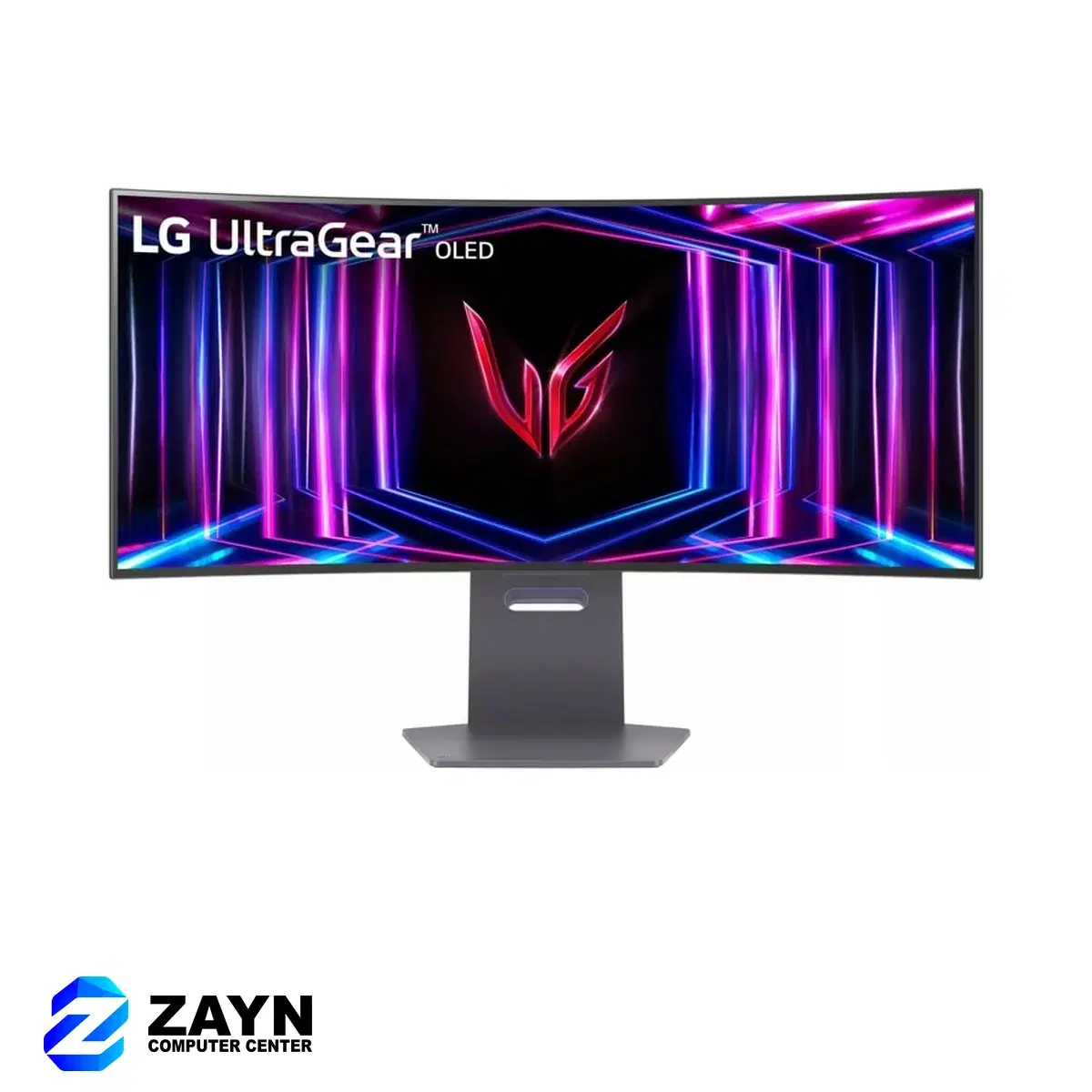
Premium: 4K and OLED
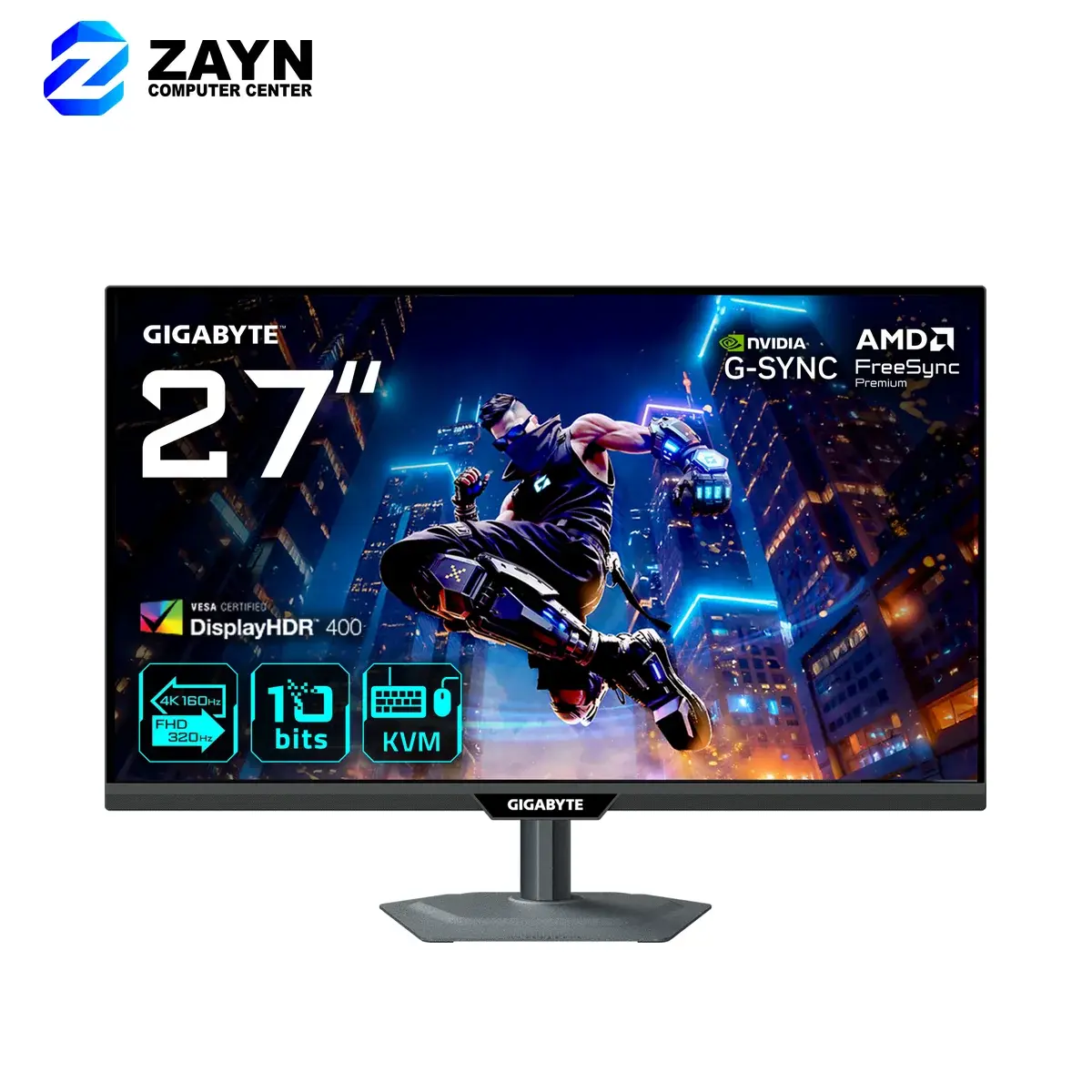
For high-end graphics cards, console gaming in 4K, or players who want OLED contrast and speed.
Setup tips
- Use DisplayPort or the HDMI cable that came in the box; old cables can cap your refresh rate.
- Set the refresh rate in Windows display settings after connecting; it often defaults to 60Hz.
- Check that your desk and stand fit before going for a 32-inch or ultrawide screen.
Ready to shop monitors?
Browse Monitors