
Synology NAS Buying Guide: Which DiskStation Should You Get?
A NAS (network attached storage) is a small always-on server that keeps your files, photos and backups in one place, reachable from every computer and phone in the house or office, and from outside if you allow it. Synology is the most popular choice because its DSM software makes file sharing, backup and remote access straightforward.
How many drive bays do you need?
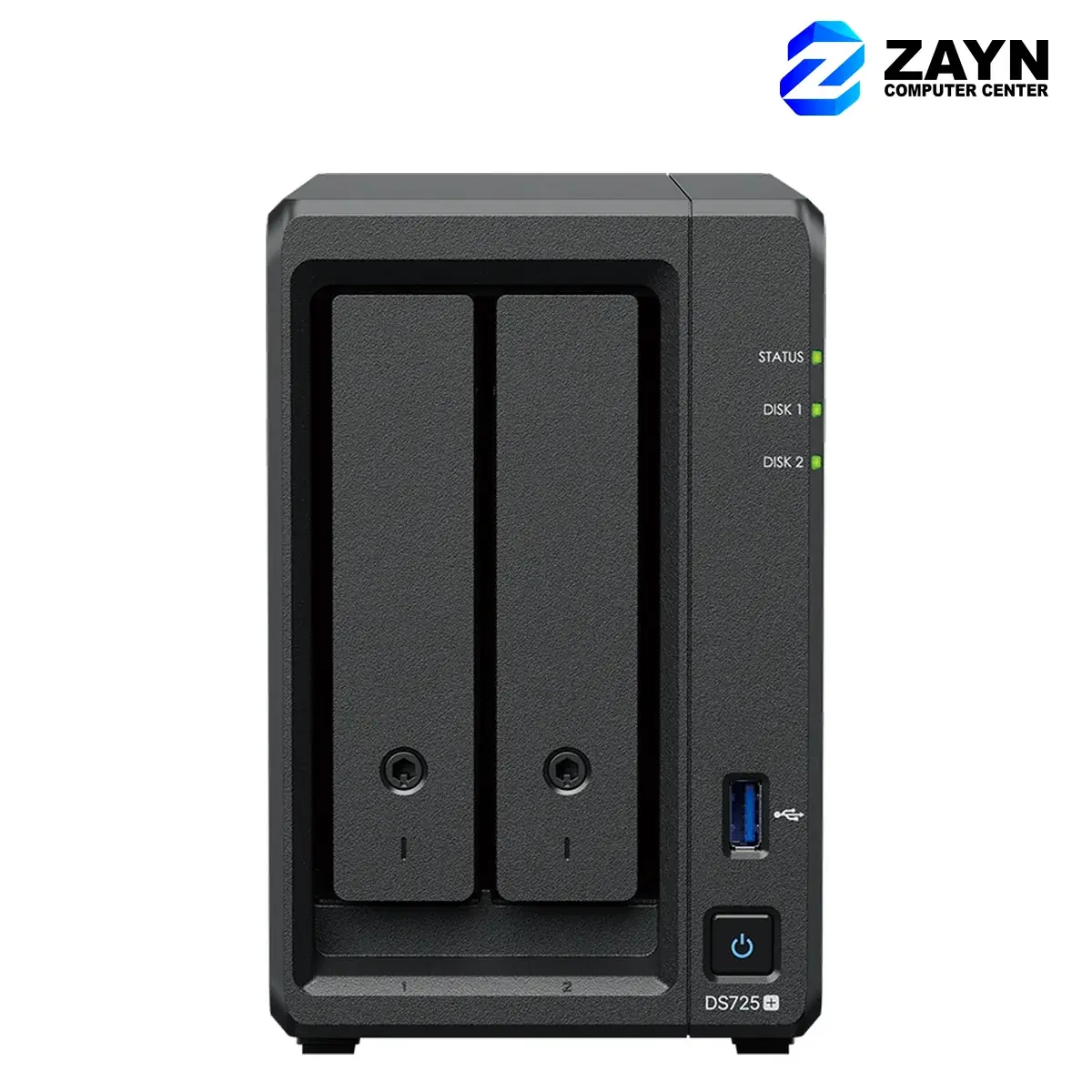
- 2 bays: two drives that mirror each other (RAID 1 or Synology Hybrid RAID). You get the capacity of one drive, and your data survives if either drive fails. Right for homes and small offices.
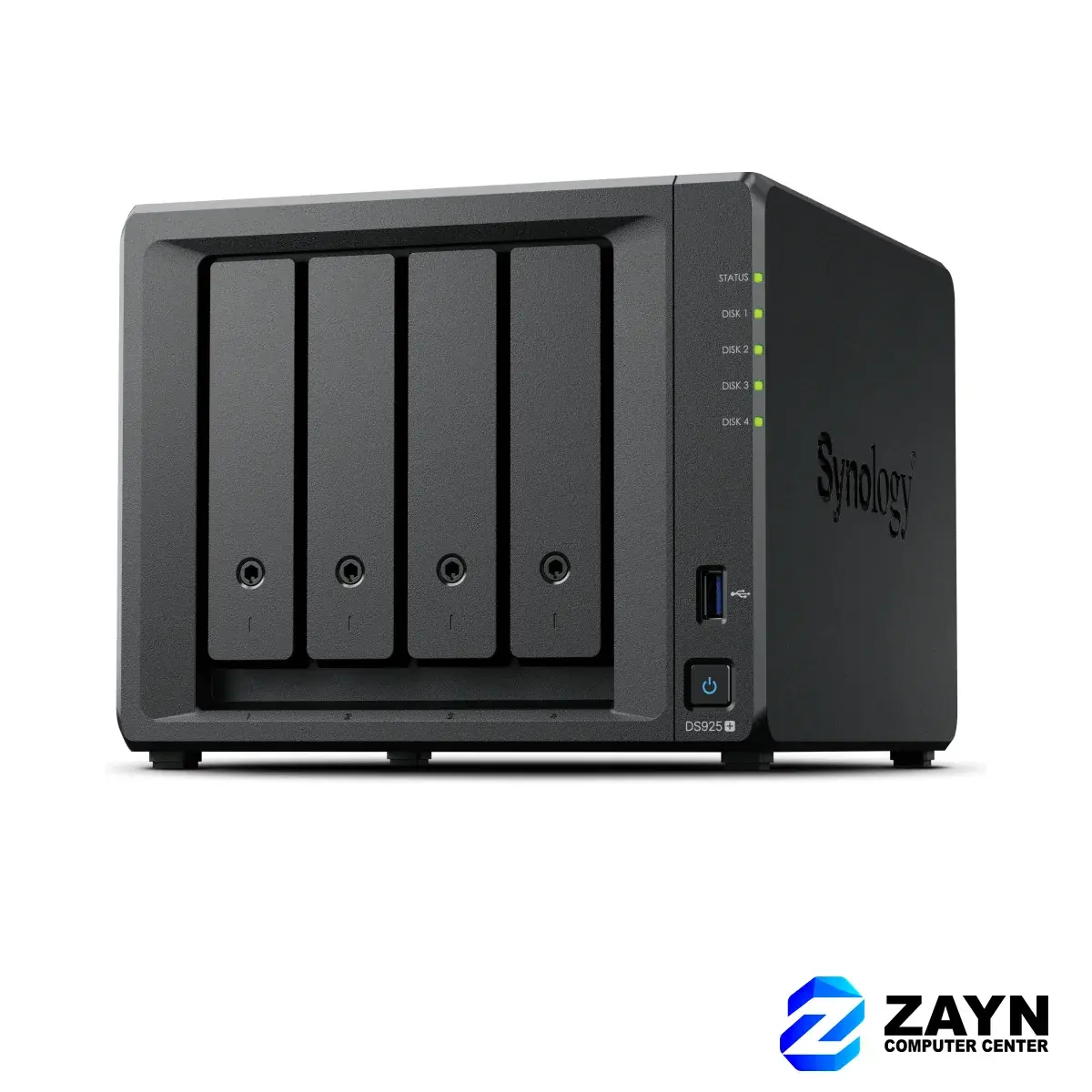
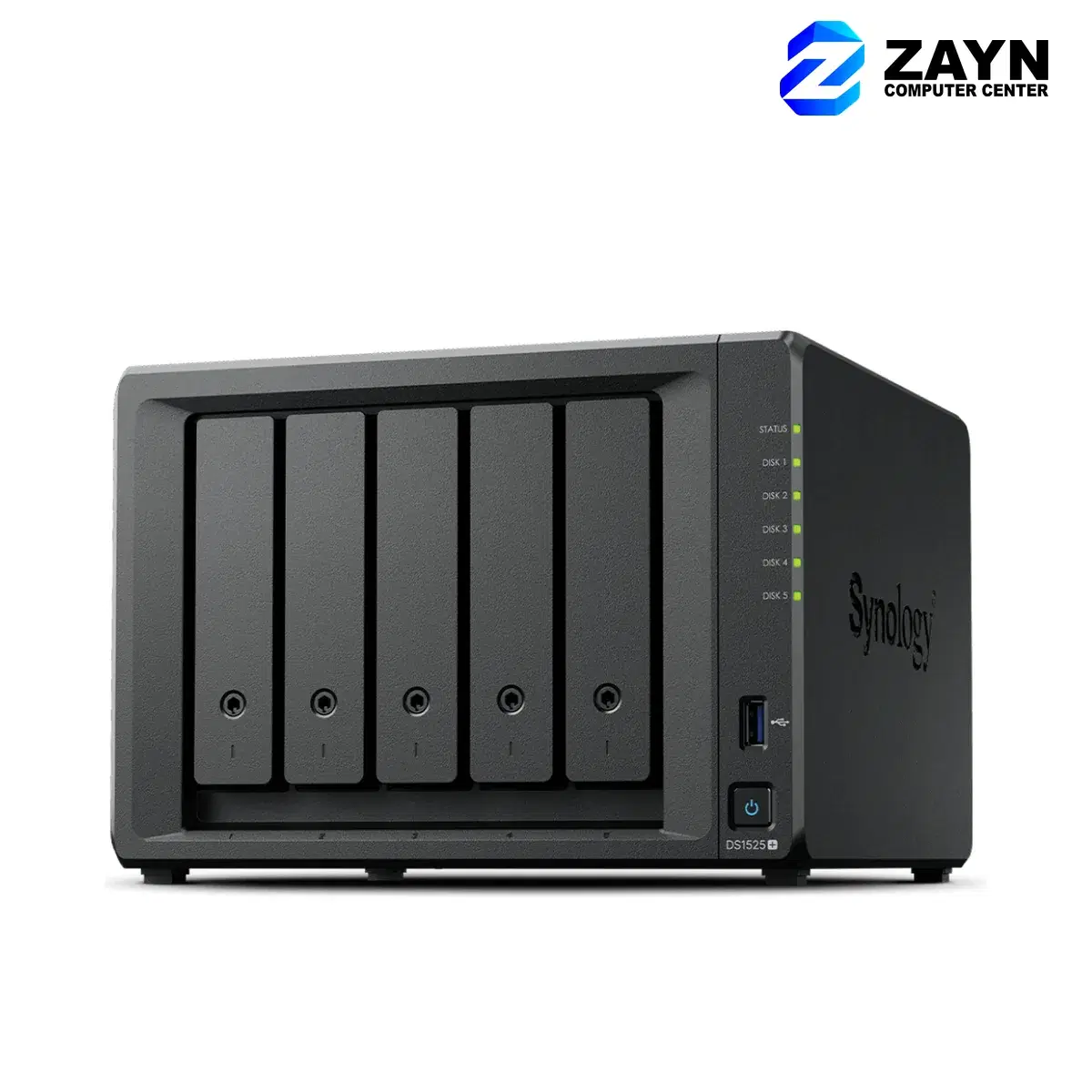
- 4 to 5 bays: room to grow, with one drive’s worth of protection (SHR or RAID 5) while using most of the total capacity. Right for growing offices, creative teams and CCTV recording.
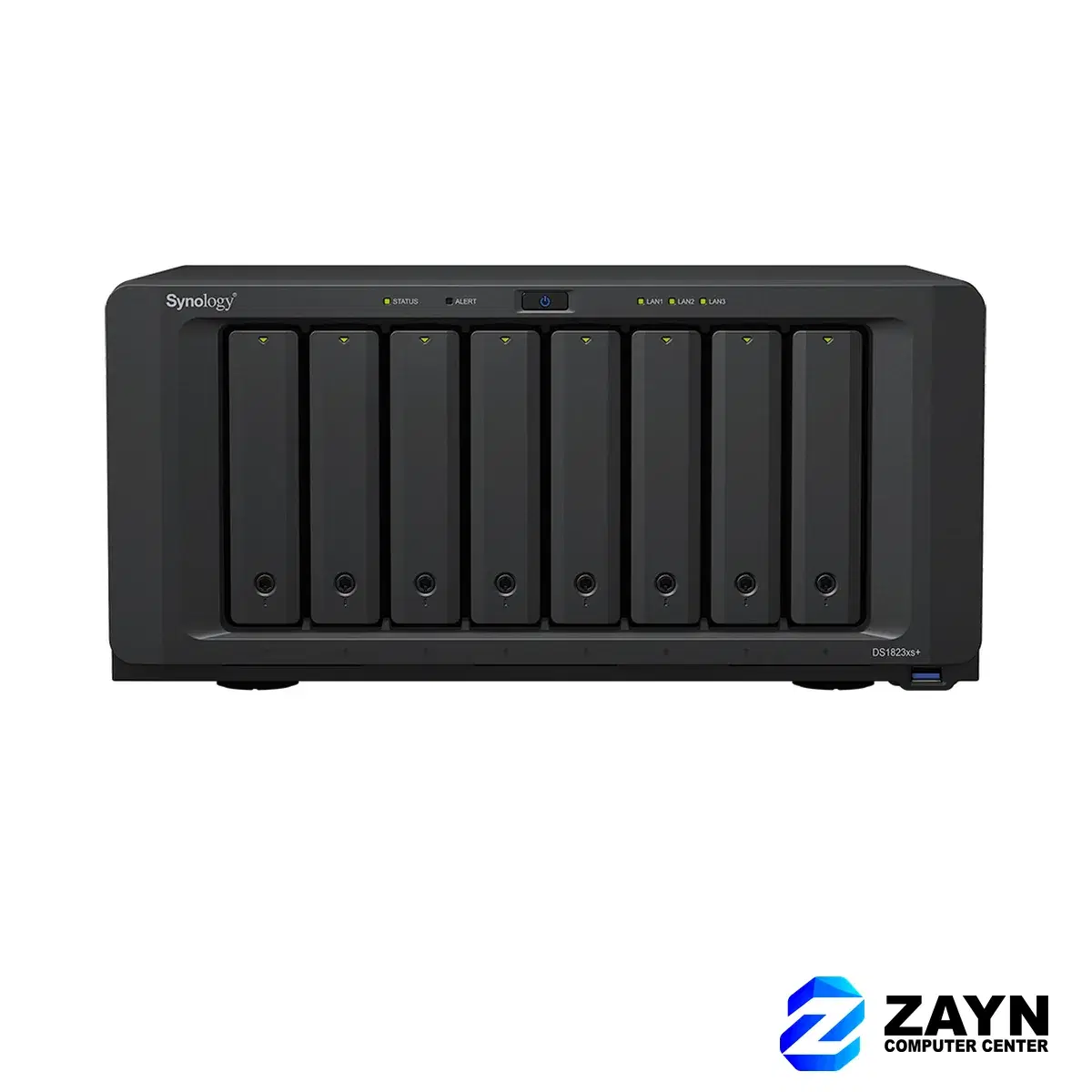
- 8 bays: large capacity and higher performance for businesses with many users or virtual machines.
- Buy for the next three years, not just today: adding drives later is easy, adding bays is not.
The simplest option: BeeStation
BeeStation is Synology’s personal cloud with the drive already inside. Plug it in, install the app on your phone and computer, and your photos and files back up automatically. No RAID or setup choices to make.
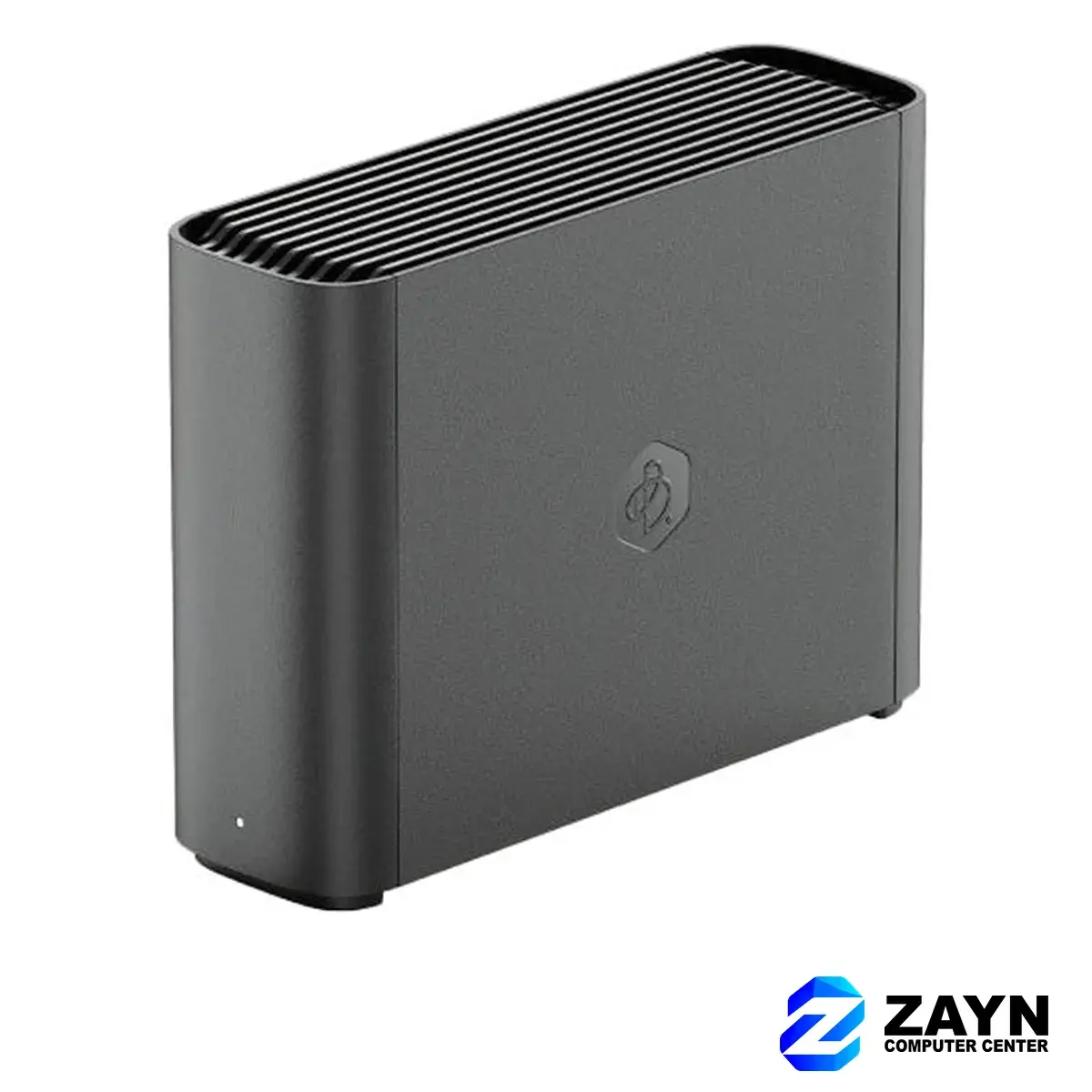
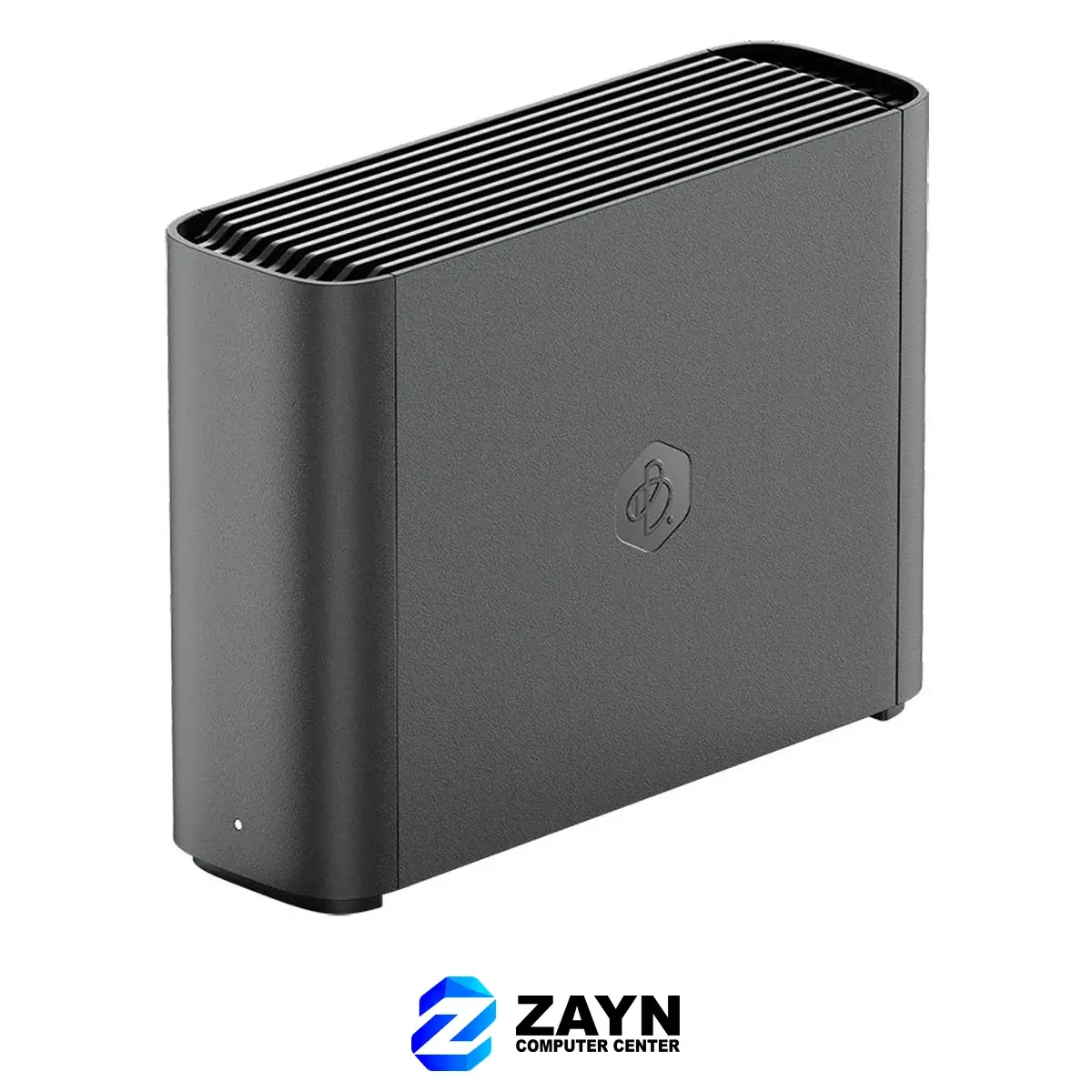
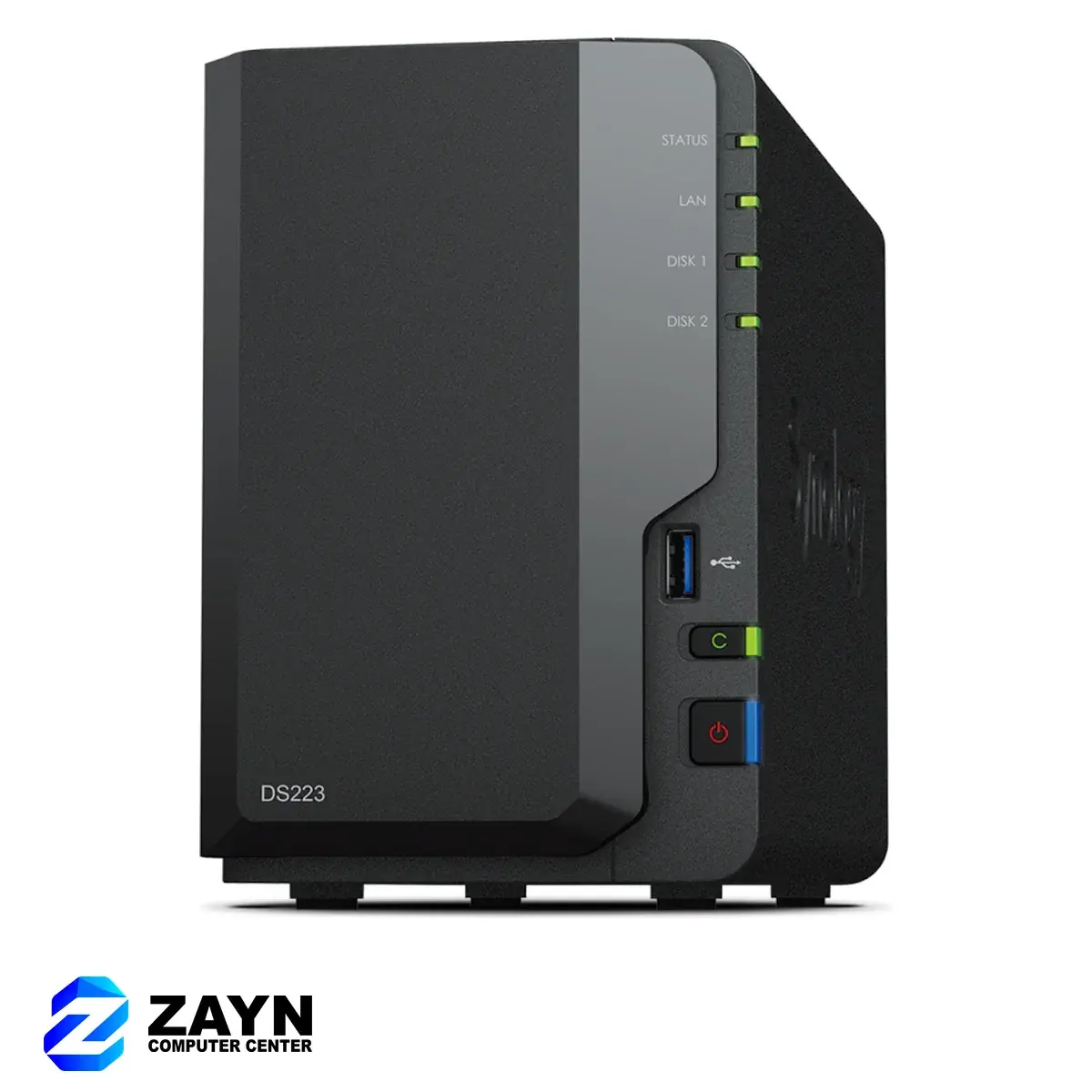
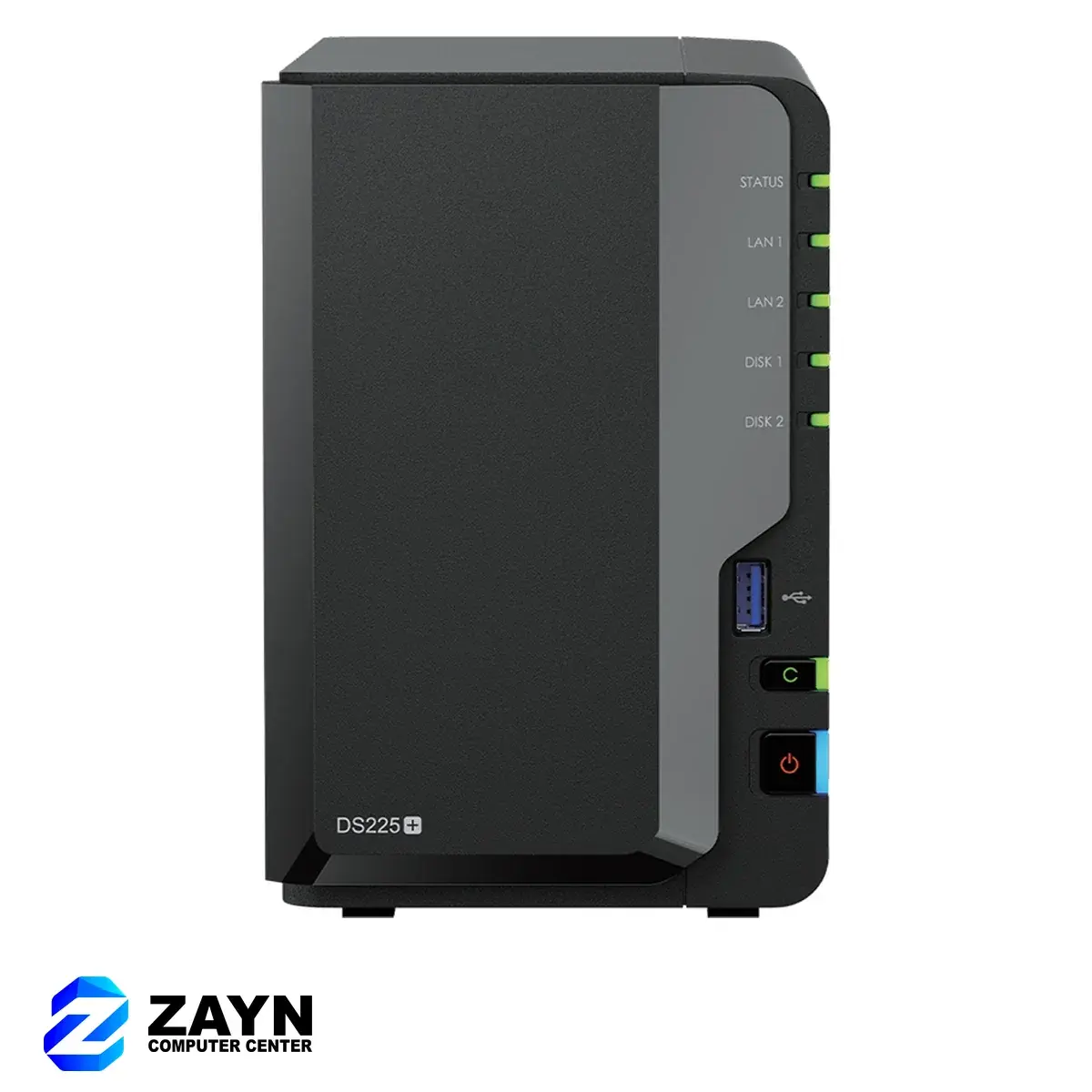
2-bay DiskStations for homes and small offices
The DS223 covers file sharing and backups for a family or a few users. The Plus models (DS225+ and DS725+) have faster processors for more users, Synology Photos libraries, Surveillance Station cameras and running apps.
4 bays and more for growing businesses
Drives and backups
- DiskStations are sold without drives. Use NAS-rated drives and check Synology’s compatibility list for your model; we stock Synology’s own drives and Seagate NAS drives.
- RAID is not a backup. It protects against a failed drive, not against deleted files, ransomware or a flood. Keep a second copy elsewhere with Hyper Backup to an external drive or a cloud service.
- Put the NAS on a UPS so a brownout does not interrupt writes.
Need it set up?
We install and configure Synology NAS units for homes and offices in Cebu: drive setup, user accounts, shared folders, backups and remote access. Ask through the For Business page or the chat button.
Ready to shop storage?
Browse Storage